

After understanding and understanding all aspects of the slitting machine and paying attention to more actual situations, then you can avoid these misunderstandings, and you will naturally be able to buy better quality slitting machine products, which will have enough guarantee for the future, so we should actively take these aspects into account. Today we will find out how the slitter loads materials and makes cuts?
Loading materials
Place the material to be cut on the table of the slitter and make sure that the material is flat and wrinkle-free.
If needed, jigs or fixtures can be used to secure the material to the table to prevent movement or misalignment during the cutting process.
Make a cut
Turn on the power switch of the slitter and start the device.
According to the operating instructions of the machine, select the appropriate cutting mode (manual or automatic) and start cutting.
During the cutting process, pay attention to the condition of the material to ensure that the cutting quality is good.
In the case of manual operation, the operator needs to control the cutting speed and position as needed to ensure that the cutting line is accurate.
If it's in automatic mode, make sure the device is functioning properly and be ready to stop or adjust the device for unexpected situations.
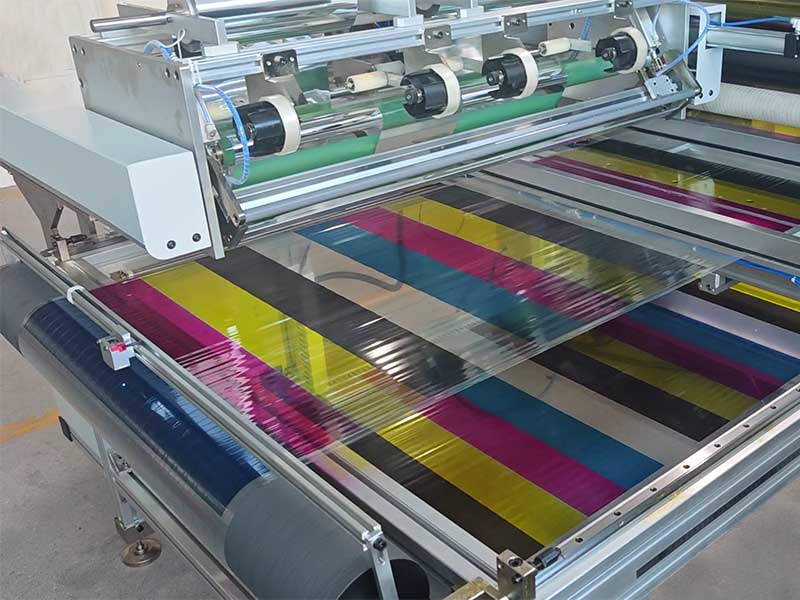
The color ribbon slitting machine is mainly used for wide roll slitting and rewinding of materials such as card printer color ribbons and thermal transfer ribbons.
21. October, 2026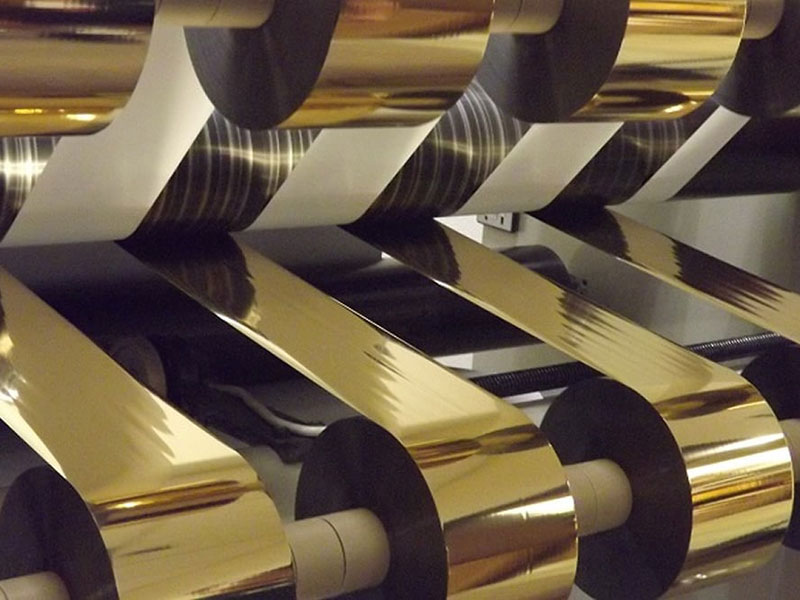
A mature automated system needs to form a closed loop simultaneously across four dimensions: correction, tension, cutting, and data management.
21. October, 2026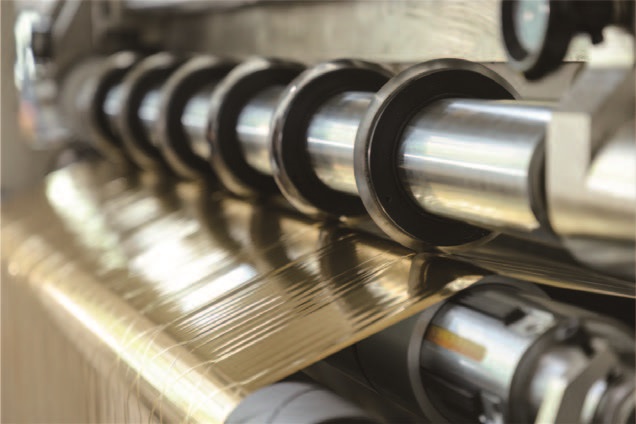
The value of customized slitting solutions lies in turning "cutting accurately, changing quickly, and no waste" from a slogan into a quantifiable production indicator.
21. October, 2026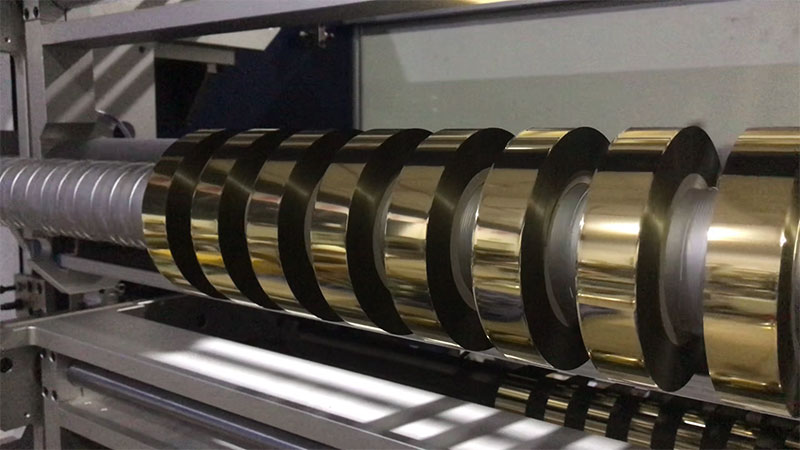
This article focuses on the two subsystems of unwinding and rewinding, explaining their functional composition, control logic, and key points of common adjustments.
21. October, 2026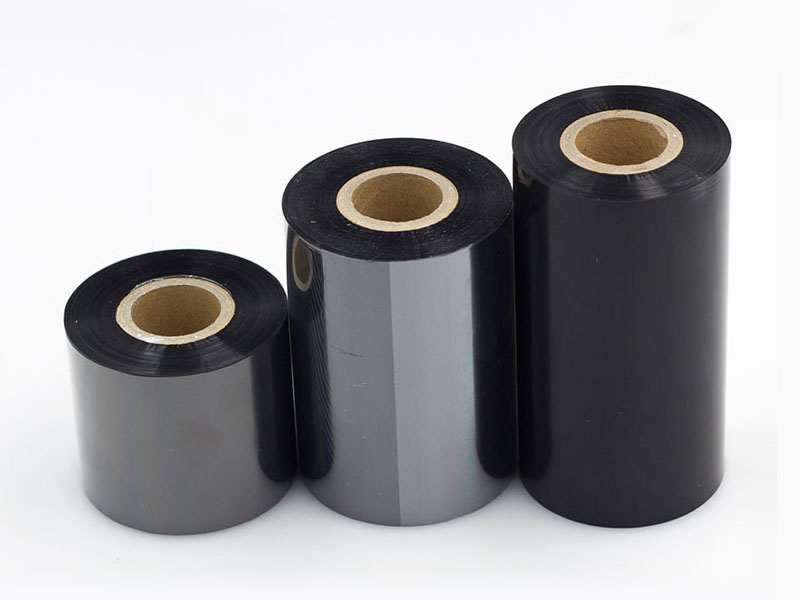
This article will break down the technical core of this function from four dimensions: signal detection, control logic, shutdown strategy, and precision calibration.
19. October, 2026


 English
 Deutsch
 Français
 Español
 Português
 日本語
日本語 русский
 한국어
한국어 عربي
عربي ภาษาไทย
 Tiếng Việt
 Italiano